
01
Cracked glass or display
Broken front glass, dark areas, lines, flicker, image problems, or a display that no longer turns on.
Ask about this issueFrom a cracked iPad screen to a Galaxy Tab that will not charge, Compupod checks the complete device and explains what the repair involves before you decide.
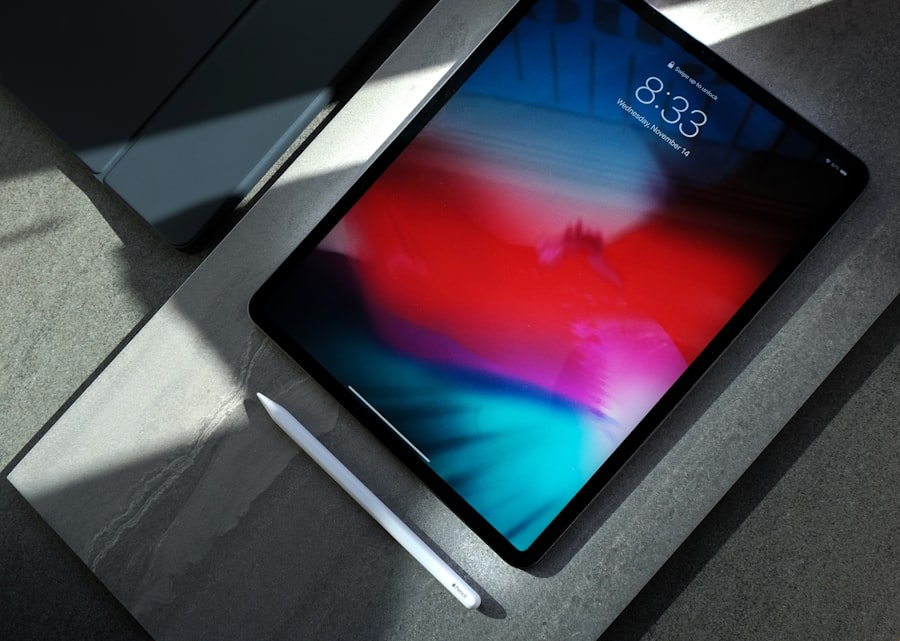
A dark screen is not always a failed display, and charging trouble is not always the battery. Tell the team what you see, hear, and feel when you use the device.
Broken front glass, dark areas, lines, flicker, image problems, or a display that no longer turns on.
Ask about this issueMissed taps, ghost touches, dead zones, delayed input, or a screen that responds only in certain areas.
Ask about this issueFast drain, unexpected shutdowns, swelling concerns, boot loops, or a tablet that will not power on.
Ask about this issueLoose cables, intermittent charging, damaged connectors, or a tablet that no longer recognizes power reliably.
Ask about this issueCamera focus or image issues, weak or missing sound, recording trouble, or audio that cuts in and out.
Ask about this issueDamaged buttons, bent frames, separated housings, prior liquid exposure, or other physical problems that need inspection.
Ask about this issueThis is a representative list, not a compatibility limit. Support and parts can vary by model, generation, condition, and availability.
Check your deviceBrand names identify compatible or representative device families. Compupod is an independent service provider and does not claim manufacturer authorization or affiliation.
A tablet combines a large display, touch layer, battery, charging hardware, cameras, and board connections inside a compact enclosure. Compupod inspects how those parts interact before recommending a standard replacement or deeper hardware work.
Text the model number and symptoms, bring the tablet in for inspection, and review the repair recommendation before work begins. The team confirms feasibility and parts for the specific model rather than treating every tablet alike.
Send the exact model, what you notice, and anything that happened before the issue appeared.
The visible symptom is a starting point. The team checks what actually needs attention.
Review the recommendation, applicable terms, and available path before you decide.
Compupod has served San Francisco since 2011 and has more than 2,000 public reviews across Google and Yelp.
Still unsure? Text the exact model and a photo when the issue is visible.
Compupod’s repair references include multiple iPad generations as well as Samsung Galaxy Tab, Lenovo Tab, TCL Tab, and other tablet families. Support depends on the exact model, condition, required work, and part availability, so text the model number first.
Not necessarily. Tablet display and touch assemblies vary by model, and some use layered or tightly bonded components. Inspection helps determine which assembly is affected and the appropriate repair path.
Compupod can inspect charging-port problems on supported tablets, including cases that may require more than a simple module replacement. The exact model and board condition determine whether the repair is appropriate.
It covers the parts and labor associated with the repair performed for 90 days. It does not cover accidental or water damage, self-caused damage, third-party work, or tampering. The in-store disclaimer must be signed for the warranty to be valid.
Bring the device to 2433 Mission Street, or text first with the model and problem for the clearest next step.